Lane Setup
Build the lane stack
Section titled “Build the lane stack”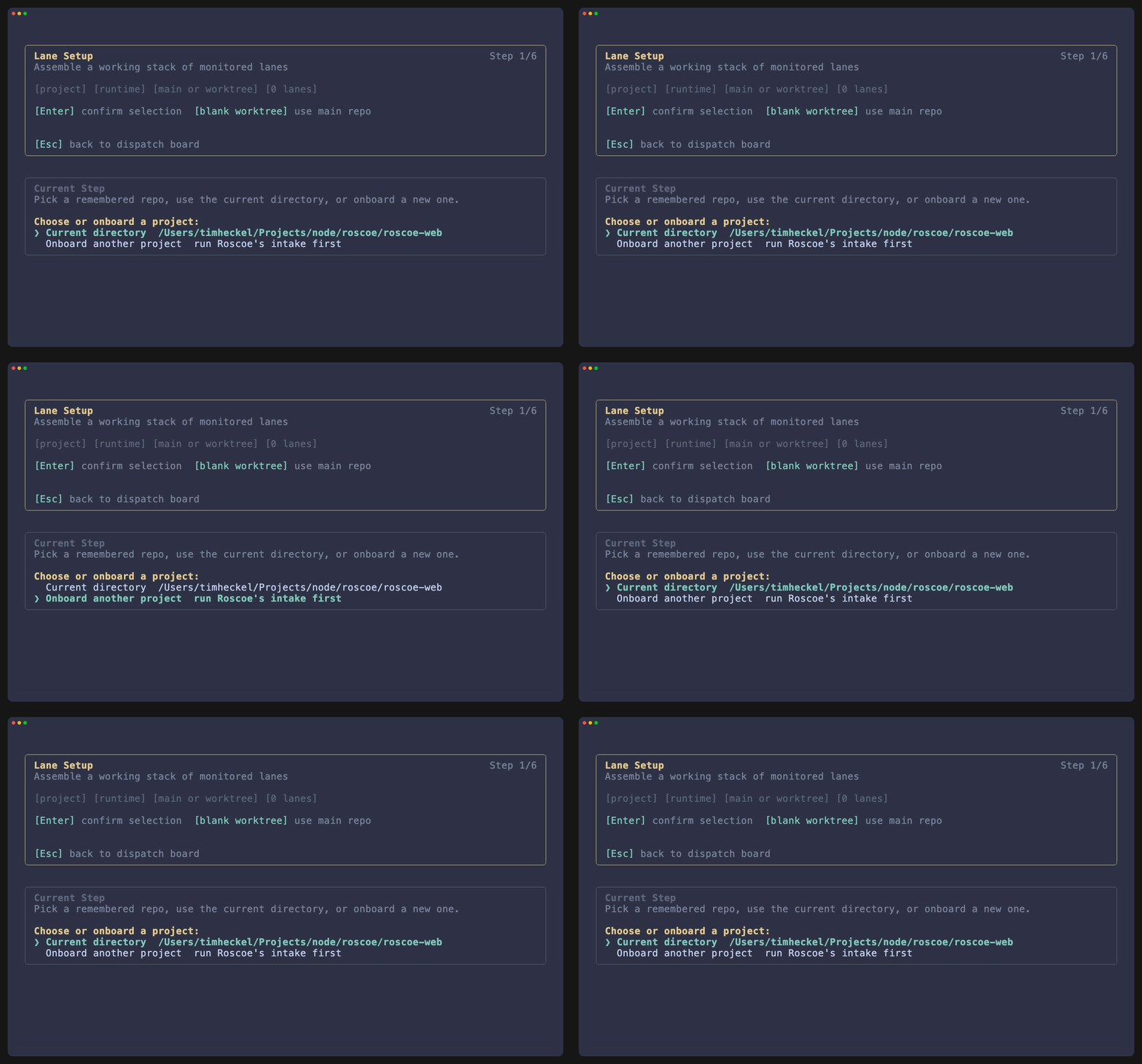
Lane setup turns a saved project contract into one or more active sessions.
The normal sequence
Section titled “The normal sequence”- Choose a project.
- Review the saved brief.
- Choose the Guild runtime.
- Decide between the main repo and a named worktree.
- Queue more lanes if needed.
- Confirm the approval mode for launch.
What each step decides
Section titled “What each step decides”Project
Pick a remembered repo, the current repo root, or branch back into onboarding first.
Brief review
Choose Continue to use the saved contract or Refine Understanding to reopen onboarding before launch.
Worktree choice
Leave the worktree name blank to stay on the main repo, or enter a task name to create or reuse a named worktree.
Main repo versus worktree
Section titled “Main repo versus worktree”| Choice | Use it when |
|---|---|
| Main repo | The task is small, exploratory, or you deliberately want Roscoe operating directly in the primary checkout. |
| Named worktree | The task deserves isolation, a dedicated branch, or parallel implementation beside the main repo. |
Lane setup is where duplication is avoided
Section titled “Lane setup is where duplication is avoided”If Roscoe finds one resumable lane for the repo, lane setup can continue into that lane instead of spawning a duplicate session. This keeps the active stack small and intentional.