Onboarding
Start onboarding
Section titled “Start onboarding”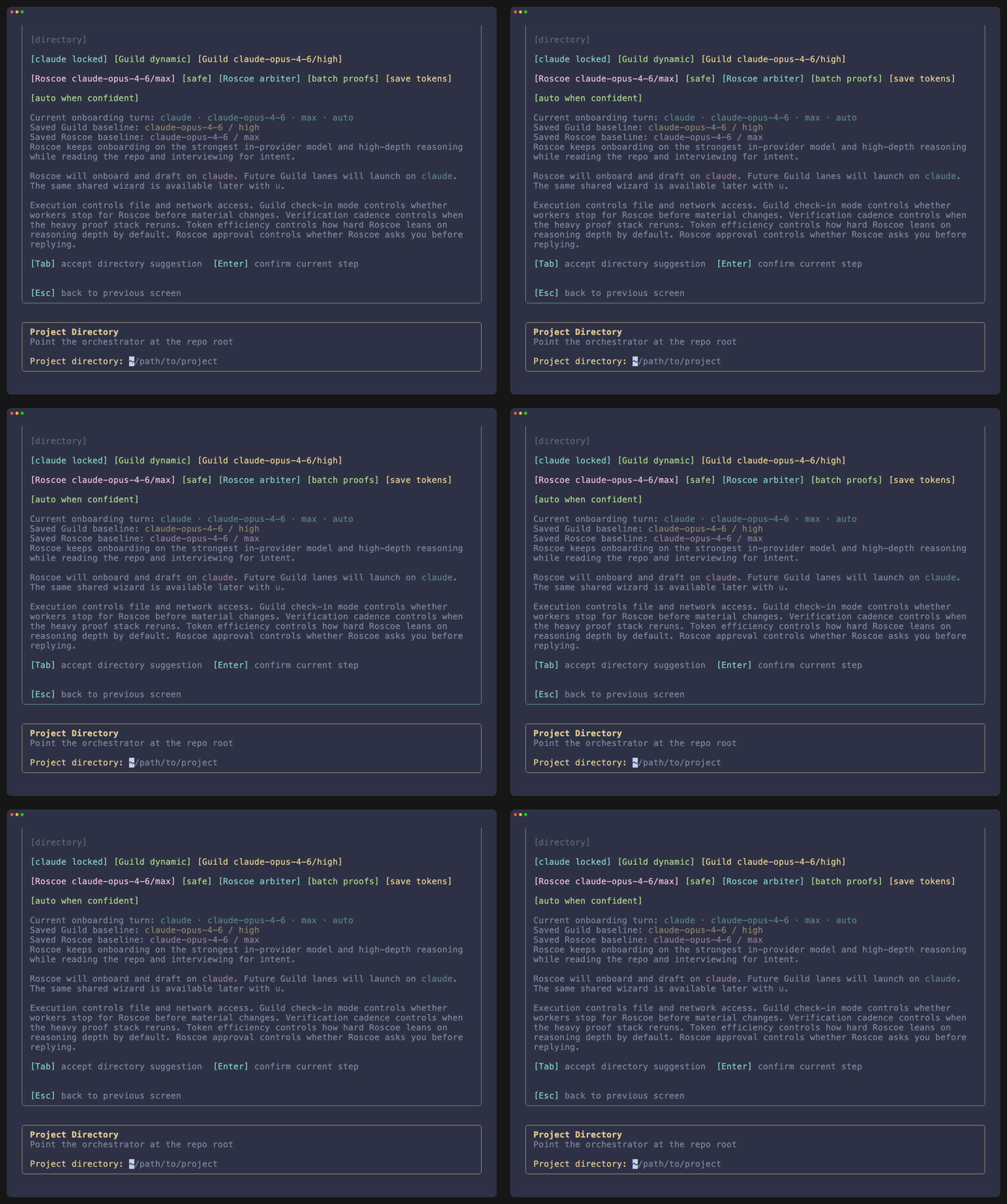
You can reach onboarding from the TUI or directly from the shell:
roscoe onboard /path/to/projectWhat onboarding covers
Section titled “What onboarding covers”Setup summary
Shows provider split, saved baseline, governance settings, and the current onboarding turn before any interview output is streamed.
Project directory
Lets you accept the detected repo root or keep the entered directory when a subpath is intentional.
Runtime editor
Sets Guild provider, Roscoe provider, execution mode, governance, verification cadence, token efficiency, and responder approval.
The interview is the project contract
Section titled “The interview is the project contract”Roscoe uses onboarding to define what later automation must defend. It is not a decorative welcome flow.
- Product story and primary users
- Definition of done
- Frontend, backend, and proof expectations
- Unit, component, and end-to-end coverage expectations
- Non-goals, risk boundaries, and autonomy rules
- Architecture principles Roscoe should continue to respect
What gets written
Section titled “What gets written”After onboarding, Roscoe persists:
- the project brief
- runtime defaults
- provider split
- approval mode
- verification cadence
Those values live in .roscoe/project.json and are reused by lane setup and live runtime edits.
When to use refine mode
Section titled “When to use refine mode”Use Refine Understanding when:
- product intent has changed
- the quality bar has moved
- the proof contract is incomplete
- governance or runtime defaults need to be reset at the source