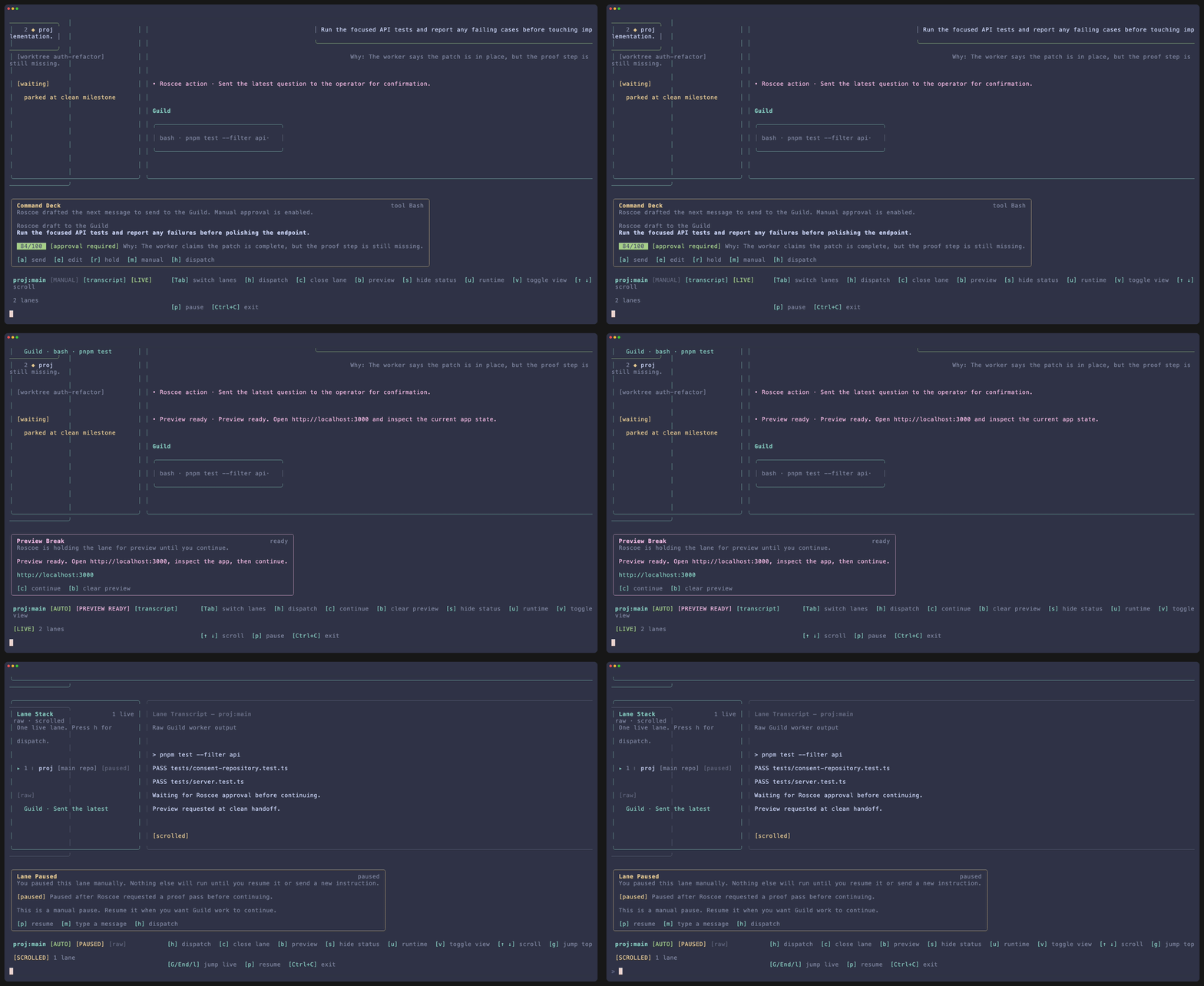
 Session view keeps transcript or raw output, the command deck, status, preview state, and lane-level hotkeys in one working surface.
Live lane view is one operator workspace, not a chain of detached dialogs.
| Region | Purpose |
|---|
| Session list | Holds the lane stack and shows the active lane. |
| Transcript or raw output | Shows normalized transcript or direct terminal output. |
| Command deck | Surfaces the current draft, preview break state, and intervention controls. |
| Status pane | Carries runtime, usage, activity, and lane status. |
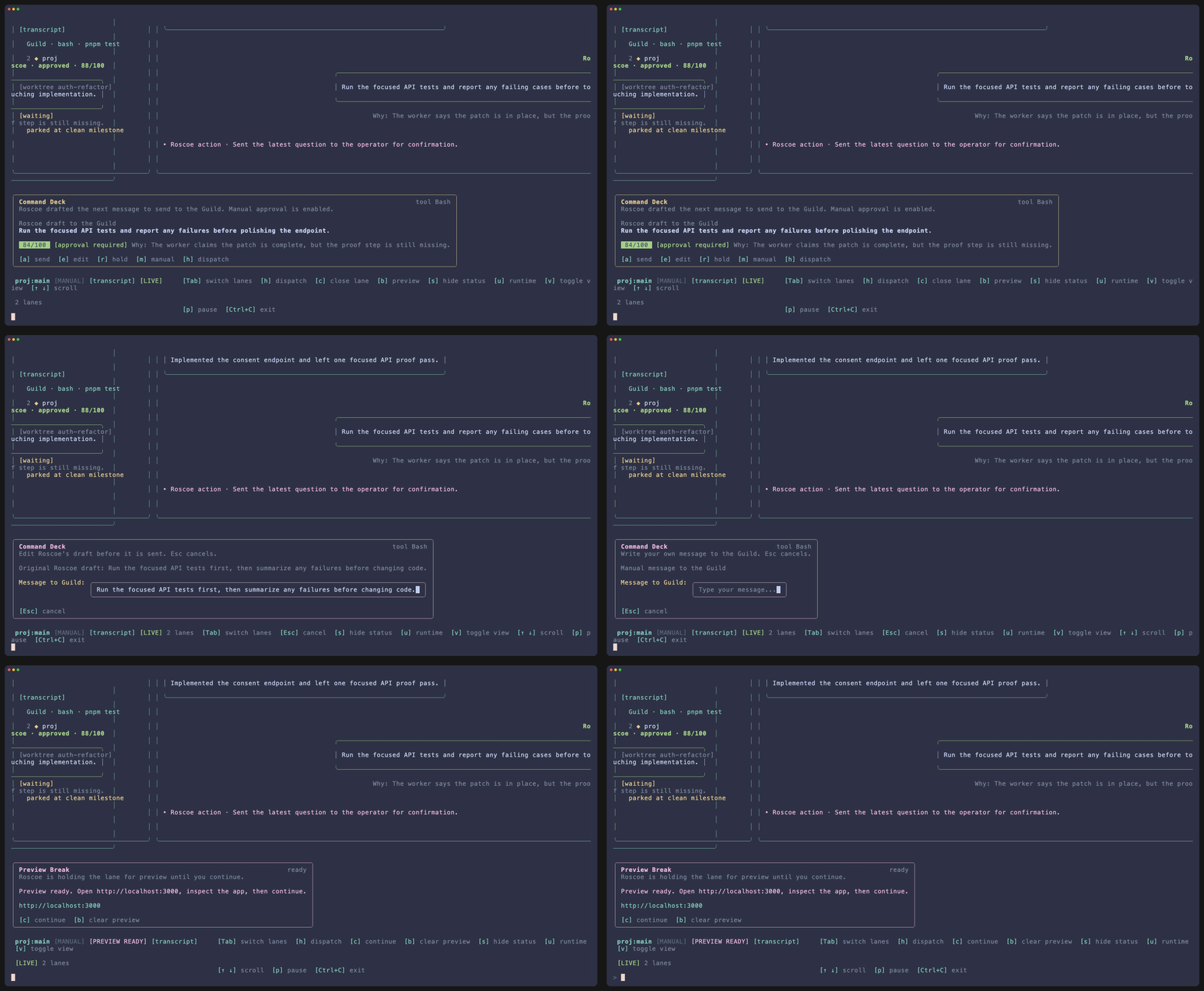 Draft control covers ready drafts, edit mode, manual override, and preview continuation without leaving the live lane.
The command deck changes with the lane state:
- ready draft
- manual override
- preview hold
- paused lane
- retry or rejection path
| Key | Action |
|---|
a | Approve and send the ready draft. |
e | Edit the draft before it is sent. |
r | Reject a ready draft or retry after an error. |
m | Start manual input or a full manual override. |
b | Queue a preview break or clear one. |
c | Continue after a preview break is ready. |
| Keys | Action |
|---|
Tab / Shift+Tab | Cycle across loaded lanes. |
1-9 / Alt+1-9 | Jump directly to a lane by position. |
↑ / ↓ | Scroll the active output view. |
PageUp / PageDown | Scroll by a larger step. |
g / Home | Jump to older visible output. |
G / End / l | Return to the live tail. |
v | Toggle transcript and raw output. |
s | Hide or show the status pane. |
| Key | Action |
|---|
n | Open lane setup seeded with the active project. |
p | Pause or resume the active lane. |
u | Open runtime controls for the active project. |
x | Interrupt an in-flight turn. |
q | Text the current actionable question when SMS is configured. |
Esc | Cancel text entry or open exit confirmation. |