Runtime Controls
Open runtime controls from an active lane
Section titled “Open runtime controls from an active lane”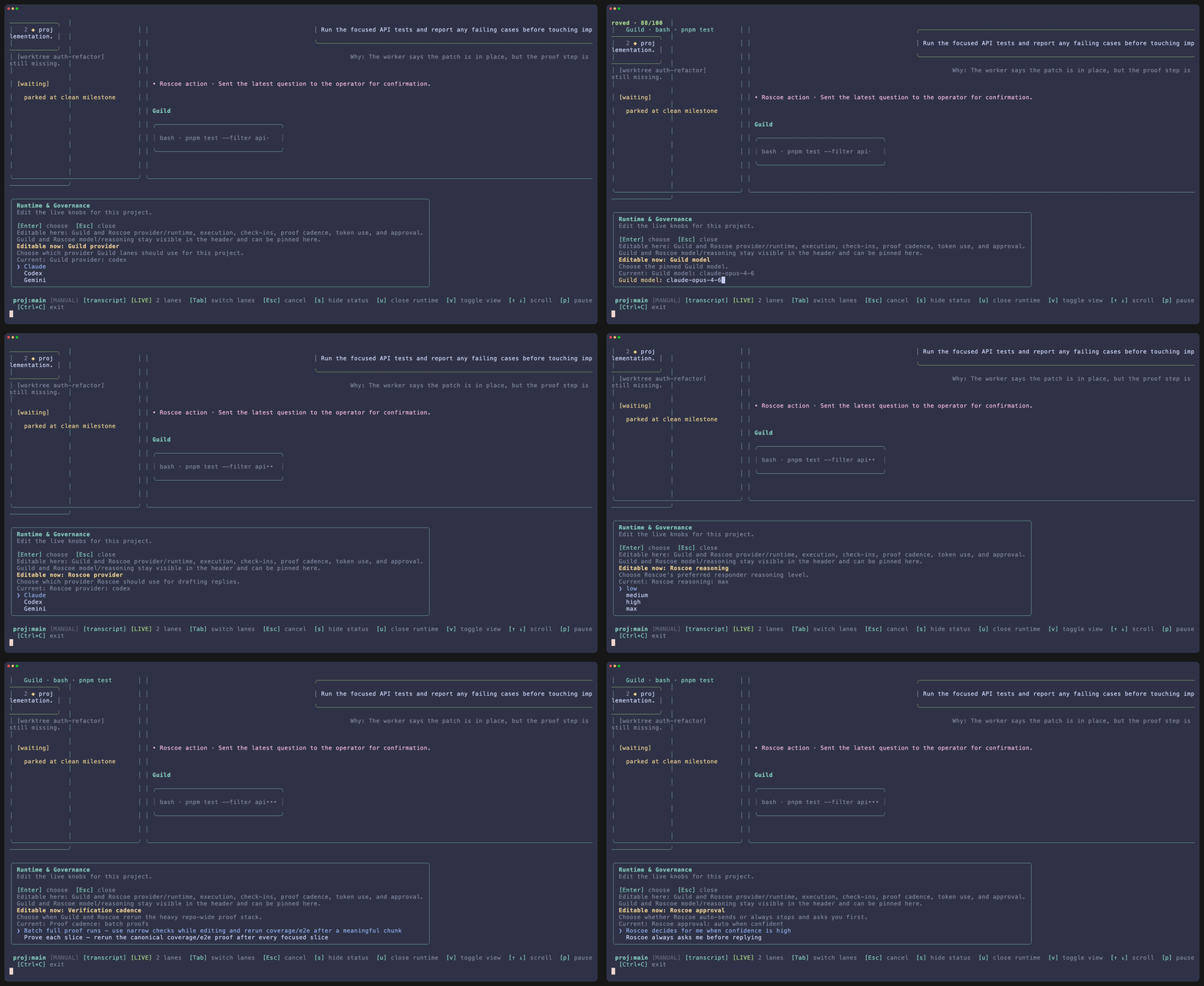
Press u from an active lane to open the project-level runtime editor without leaving session view.
Guild and Roscoe are separate runtimes
Section titled “Guild and Roscoe are separate runtimes”Guild runtime
The implementation lane provider that owns file changes and most execution work.
Roscoe runtime
The model Roscoe uses while drafting replies, interviewing during onboarding, and deciding whether approval is required.
Project scope
Changes apply at the project level, so current and future lanes stay aligned unless you intentionally override them.
Saved controls
Section titled “Saved controls”| Control | What it changes |
|---|---|
| Execution mode | How much filesystem and network freedom the worker runtime gets. |
| Worker governance mode | Whether Guild workers check in before material changes or operate with Roscoe as the arbiter. |
| Verification cadence | When the heavier proof stack reruns. |
| Token efficiency | How aggressively Roscoe leans on deeper reasoning. |
| Responder approval | Whether Roscoe can send high-confidence drafts automatically. |
What apply means
Section titled “What apply means”When you apply runtime changes:
- the saved project context is updated
- open sessions for that project can pick up the new defaults
- future lane launches start from the revised contract
This editor is not cosmetic. It changes the operating posture of the project.